3D Workspace
Home
Assets
Affiliate Program
Sign up/Log in
?
Upgrade
DCC Bridge
Anonymous1766675093
06-22 14:00
Model Name
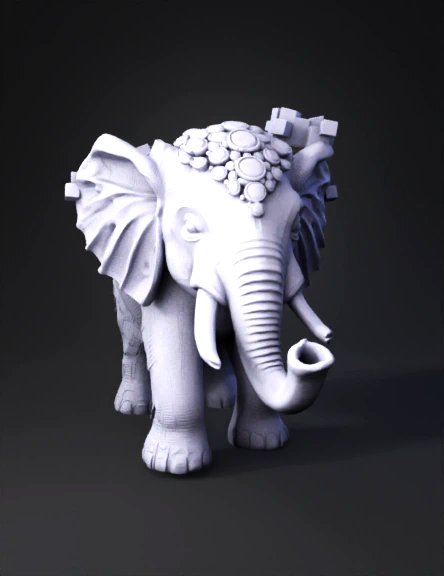
elephant 3d model
Tags
3d printing
3d printing realistic
creatures animals
creatures animals 3d printing
creatures animals 3d printing realistic
creatures animals realistic
elephant
realistic
Prompt
Based on the image provided, you are likely looking to convert a 2D image or a relief-style photo into a 3D printable STL file via a process often called "3D photo scraping," "lithophane generation," or "2D-to-3D displacement mapping." Because this elephant figurine has a lot of complex, overlapping depth (like the curved trunk, the layered headpiece, and the raised green gems), converting it from a single 2D photo into a true 3D STL file requires a specific approach. Here is a breakdown of how you can achieve this, ranging from the easiest automated methods to high-quality manual methods. Method 1: Automated Heightmaps (Fastest, Lower Detail) This method converts the brightness of the pixels into depth (white is highest, black is lowest). How it works: It "extrudes" the 2D image into a 3D block based on grayscale values. Tools to use: * Cura (Slicer): You can directly drag and drop a .jpg or .png into Ultimaker Cura. It will ask you for height preferences and convert it into a 3D
Detailed Info
Related Models
Enter invite code
Enter invite code to get credits!
 Anonymous1766675093


 Anonymous1766675093