3D Workspace
Home
Assets
Affiliate Program
Sign up/Log in
?
Upgrade
DCC Bridge
Anonymous1758972965
09-27 11:53
Model Name
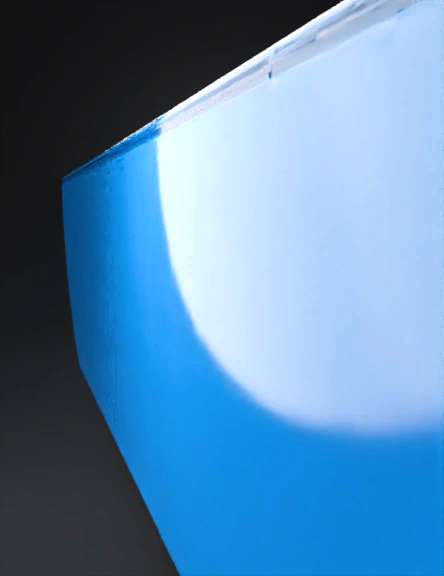
hollow rectangular tube 3d model
Tags
3d printing
3d printing realistic
blue hollow
de tubos
forme rectangulaire
funnel shaped
machine
machine 3d printing
machine 3d printing realistic
machine realistic
multi tube
realistic
tube
Prompt
Create the first part of the CAD model, a long, thin, rectangular prism with a flat top and bottom. Begin by setting up a new coordinate system with Euler angles of -90.0, 0.0, -90.0 and a translation vector of 0.0, 0.0, 0.0. Next, create a 2D sketch on the plane defined by the coordinate system. The sketch consists of one face (face\\_1) and one loop (loop\\_1). The loop contains eight lines: 1. line\\_1: Start Point: 0.0, 0.0; End Point: 0.0045, 0.0 2. line\\_2: Start Point: 0.0045, 0.0; End Point: 0.0045, 0.0007 3. line\\_3: Start Point: 0.0045, 0.0007; End Point: 0.0007, 0.0007 4. line\\_4: Start Point: 0.0007, 0.0007; End Point: 0.0007, 0.0171 5. line\\_5: Start Point: 0.0007, 0.0171; End Point: 0.0045, 0.0171 6. line\\_6: Start Point: 0.0045, 0.0171; End Point: 0.0045, 0.0178 7. line\\_7: Start Point: 0.0045, 0.0178; End Point: 0.0, 0.0178 8. line\\_8: Start Point: 0.0, 0.0178; End Point: 0.0, 0.0 After creating the 2D sketch, scale the sketch using a scaling factor of 0.0178. Then, transform the scaled 2D sketch into a 3D sketch using the specified euler angles and translation vector. Finally, extrude the 2D sketch to generate the 3D model. Use an extrusion depth of 0.75 towards the normal and 0.0 in the opposite direction of the normal. Set the sketch scale at 0.0178 and use the boolean operation "New Body Feature Operation." The prism has the following dimensions: length of 0.75 units, width of 0.0178359096313912 units (rounded to 0.0178 for ease of use), and height of 0.0178359096313912 units (rounded to 0.0178 for ease of use).
Detailed Info
Related Models
Enter invite code
Enter invite code to get credits!
 Anonymous1758972965


 Anonymous1758972965