3D Workspace
Home
Assets
Affiliate Program
Sign up/Log in
?
Upgrade
DCC Bridge
Anonymous1775677657
04-08 19:54
Model Name
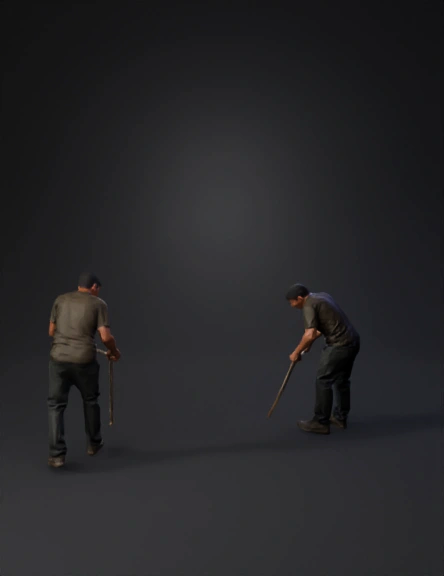
renovation scene 3d model
Tags
architecture
rendering
realistic
Input
Prompt
Transform the Transform the damaged bedroom into an active renovation scene using fast timelapse motion. Introduce motion-blurred workers (no visible faces). Begin by clearing debris and leveling the floor surface. Prepare the central channel for the epoxy river design using molds and barriers. Install wooden flooring panels on both sides of the channel. Mix and pour epoxy resin gradually into the center, embedding natural stones. Smooth and repair wall surfaces and apply base paint. Install ceiling lighting framework. Add construction tools such as mixers, buckets, rollers, and leveling tools. Maintain realistic workflow, consistent lighting direction, and fixed camera angle. bedroom into an active renovation scene using fast timelapse motion. Introduce motion-blurred workers (no visible faces). Begin by clearing debris and leveling the floor surface. Prepare the central channel for the epoxy river design using molds and barriers. Install wooden flooring panels on both sides of the channel. Mix and pour epoxy resin gradually into the center, embedding natural stones. Smooth and repair wall surfaces and apply base paint. Install ceiling lighting framework. Add construction tools such as mixers, buckets, rollers, and leveling tools. Maintain realistic workflow, consistent lighting direction, and fixed camera angle.
Detailed Info
Related Models
Enter invite code
Enter invite code to get credits!
 Anonymous1775677657


 Anonymous1775677657